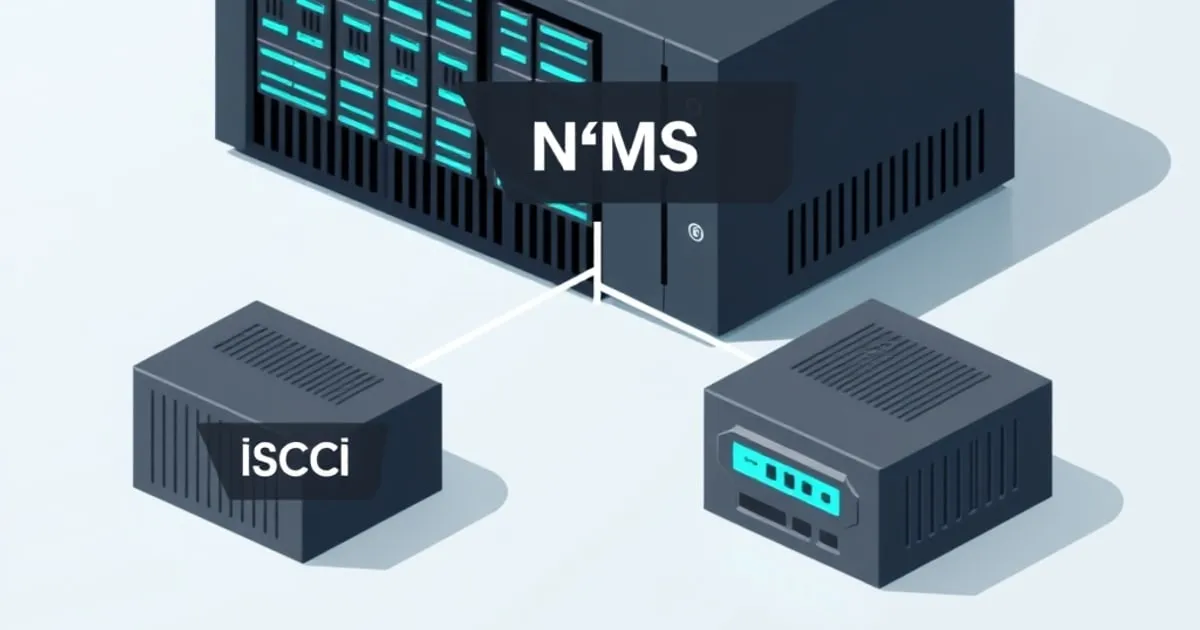
iSCSI vs NFS vs SMB on TrueNAS: Which Share Type to Use
TrueNAS exposes storage three ways: SMB, NFS, and iSCSI. File sharing vs block storage, which clients each suits, the performance trade-offs, and how to pick the right protocol for your homelab workload.
TrueNAS can serve the same pool of storage three different ways, and the right one depends entirely on who is connecting and what they need. SMB and NFS are file-sharing protocols — many clients read and write files on a shared filesystem. iSCSI is block storage — TrueNAS hands a client a raw “disk” that the client formats and owns. Confusing these is the root of most “why is my share slow / why can’t two machines see my files” problems. This guide maps each protocol to its job.
The fundamental split: file vs block
This is the distinction that decides everything else.
SMB and NFS share a filesystem. TrueNAS owns the filesystem (a ZFS dataset); clients mount it and read/write files. Multiple clients can access the same share simultaneously, and TrueNAS handles permissions, locking, and concurrent access. This is what you want for “a place to put files that several devices reach.”
iSCSI shares a block device. TrueNAS exports a zvol (a ZFS block device) as a raw disk over the network. The client sees an unformatted drive, formats it with its own filesystem (NTFS, ext4, VMFS), and treats it as a local disk. By design, an iSCSI target is meant for a single client — two machines mounting the same iSCSI target with a non-clustered filesystem will corrupt it. Use iSCSI when something needs a raw disk, not a shared folder.
SMB — the default for mixed home networks
SMB (Samba on TrueNAS) is the protocol Windows uses natively, macOS speaks well, and iOS/Android handle through apps. It’s the right default for a home network because:
- Cross-platform. Windows, macOS, Linux, and mobile all connect without fuss.
- User-based permissions. Per-user authentication and ACLs are first-class.
- Great for streaming bandwidth. Large sequential transfers (media, backups, file copies) perform well.
Reach for SMB for general file sharing: documents, media libraries other devices browse, Time Machine targets, the family file dump. Our SMB shares setup guide walks through the configuration and the permission gotchas.
NFS — the choice for Linux/Unix and hypervisors
NFS is the native file-sharing protocol of Linux/Unix. On a home network its sweet spots are:
- Linux clients and servers that want a low-overhead network mount.
- Hypervisor datastores. NFS is a popular, simple way to give Proxmox or VMware a shared datastore — it’s file-based, so VM disk files are visible and easy to back up and snapshot at the dataset level, and it’s simpler to manage than iSCSI for many homelab virtualization setups.
NFS sits between iSCSI and SMB on performance characteristics for many workloads. Its permission model is host/UID-based rather than the per-user auth SMB offers, which is fine for trusted server-to-server use but less suited to a mixed-trust desktop environment. Don’t use NFS as your primary Windows file share — SMB is the better fit there.
iSCSI — block storage for VMs, databases, and dedicated disks
iSCSI is the answer when a client genuinely needs a block device:
- VM datastores where you want block storage (e.g., VMware VMFS, which needs block and benefits from VAAI offload).
- A dedicated virtual disk for a single machine — adding a second “drive” to a workstation or a Proxmox VM backed by NAS storage.
- Databases or applications that want raw block access for IOPS.
iSCSI is generally best for IOPS / performance-critical workloads, and for block-only features like VAAI and UNMAP (space reclamation — important for a copy-on-write filesystem like ZFS, since without it deleted blocks aren’t reclaimed). The cost is complexity: you manage zvols, targets, initiators, and the single-client constraint.
A note on zvol block size
An iSCSI target is backed by a zvol, and a zvol’s volblocksize is fixed at creation (current TrueNAS defaults to 16K) — the block-storage analogue of a dataset’s recordsize. Match it to the workload: smaller blocks (8-16K) suit database/VM random I/O; larger suits sequential. You can’t change it later without recreating the zvol, so decide before you write data.
Performance, honestly
The internet is full of “iSCSI is faster than SMB” and the opposite, because results depend on the workload, tuning, network, and client. The useful generalizations:
- iSCSI tends to win on random IOPS and is the protocol of choice for block workloads (VMs, databases).
- SMB is strong on sequential streaming bandwidth and is the most convenient for mixed clients.
- NFS lands in between and shines for Linux/hypervisor file-level use.
For most homelabs the binding constraint is the network (1 GbE caps you around ~110 MB/s regardless of protocol) and the pool’s underlying vdev topology, not the protocol choice. Don’t agonize over protocol micro-benchmarks before you’ve right-sized the pool and the network.
How to choose, in one paragraph
If several mixed devices need to read/write shared files, use SMB. If Linux servers or a hypervisor need a file-based mount or datastore, use NFS. If a single client needs a raw disk — a VM datastore that wants block, a dedicated virtual drive, a database volume — use iSCSI with a zvol. Many homelabs run all three on the same TrueNAS box: SMB for the family files, NFS for the Proxmox datastore, iSCSI for a specific VM disk. They coexist fine; just don’t try to share one iSCSI target between two machines.
Next steps
- Setting Up SMB Shares on TrueNAS SCALE for the most common share type, step by step.
- ZFS Pool Design: RAIDZ vs Mirrors — mirrors for IOPS-heavy iSCSI/VM workloads, RAIDZ for bulk SMB storage.
- TrueNAS Snapshot and Replication Strategy to protect whatever you serve.
See also
Related
Setting Up SMB Shares on TrueNAS SCALE
A step-by-step guide to creating SMB shares on TrueNAS SCALE — dataset layout, user permissions, ACLs, and the gotchas that make SMB look broken when it isn't.

TrueNAS Datasets vs Zvols: When to Use Which
A dataset is a filesystem; a zvol is a virtual block device. How they differ on TrueNAS, what recordsize and volblocksize mean, and which to create for SMB shares, apps, VMs, and iSCSI.
How to Set Up TrueNAS SCALE: From Bare Metal to First Share
A practical step-by-step guide on how to set up TrueNAS SCALE — hardware, installation, pool creation with RAIDZ, datasets, SMB shares, and backups.